PT742/GR CBE TEST PANEL FOR PRS300 - PBS90 - PRM350
New model that replaces PT642/G our code 11801
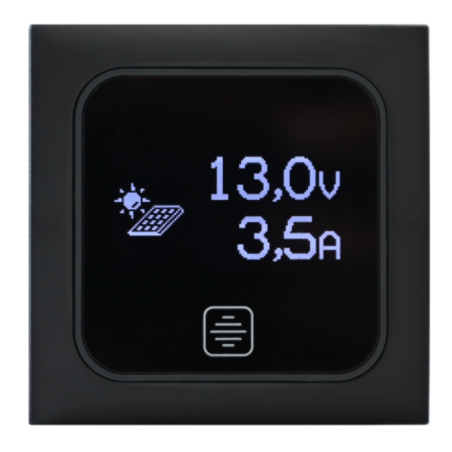
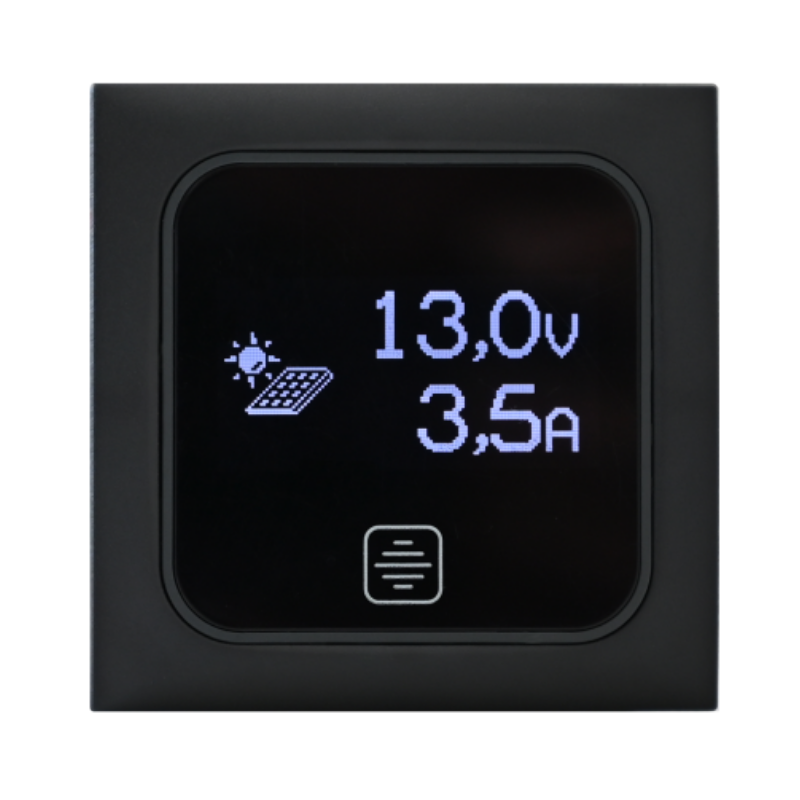
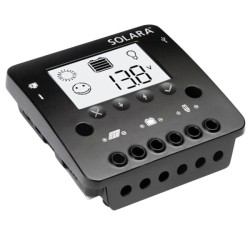
TOUCH DIGITAL TEST PANEL with OLED display for checking the battery voltage and the current supplied by the photovoltaic module, complete with L=1.5m cable, spacer for wall mounting and Berker “BMAC1C” frame.
Suitable for regulator mod. “PRS300”, “PBS90” and “PRM350”. Furthermore, the panel can be combined with the “Modular Plates” and “Modular Plates Berker” series.
Digital 12V touch test panel for checking the voltage of the "B2" service battery and for checking the current and power supplied by the photovoltaic module.
To switch between the data views, briefly tap the button with the panel in full brightness mode.
The service battery voltage display is limited to 18.9 V.
After 15 seconds from the last push of the button, the device operates at low brightness (settable by the user). To go back to
maximum brightness, press the button briefly.
To turn off the panel, keep the button pressed for at least 2 seconds; to turn it back on, briefly press the button.
To set the low brightness level, with the panel off, keep the button pressed for at least 5 seconds and select the desired level; to exit the setting menu and save the set value, wait 3 seconds.
The system has a maximum consumption of approximately 0.01 A.
See manual in "attached documents".